Hyprland, KDE Plasma 6, COSMIC & GNOME on an encrypted, impermanent Btrfs system — declared once, rebuilt anywhere.
Everything is declared in this repo. No imperative drift — upnix and it's exactly this, every time.
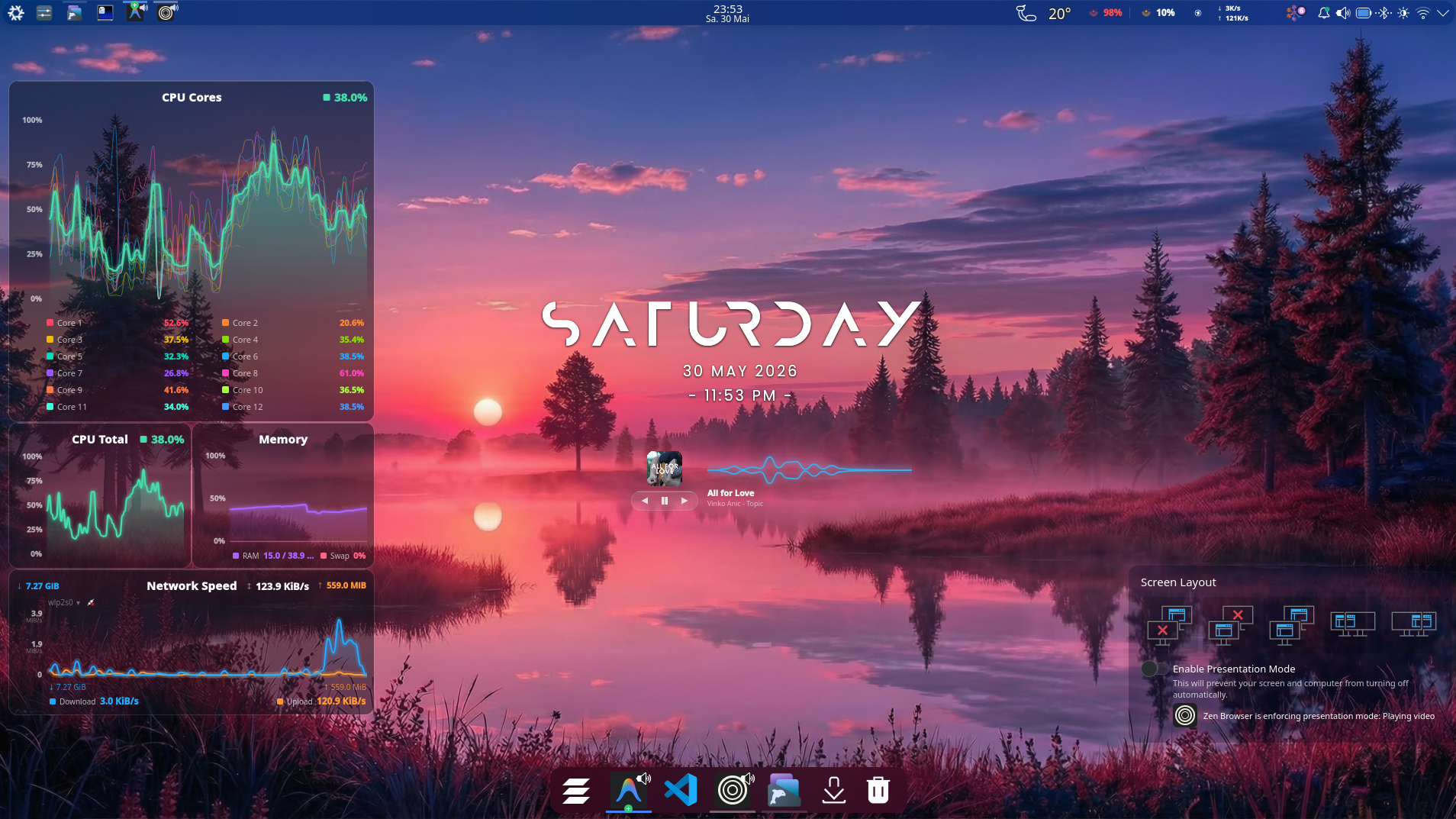
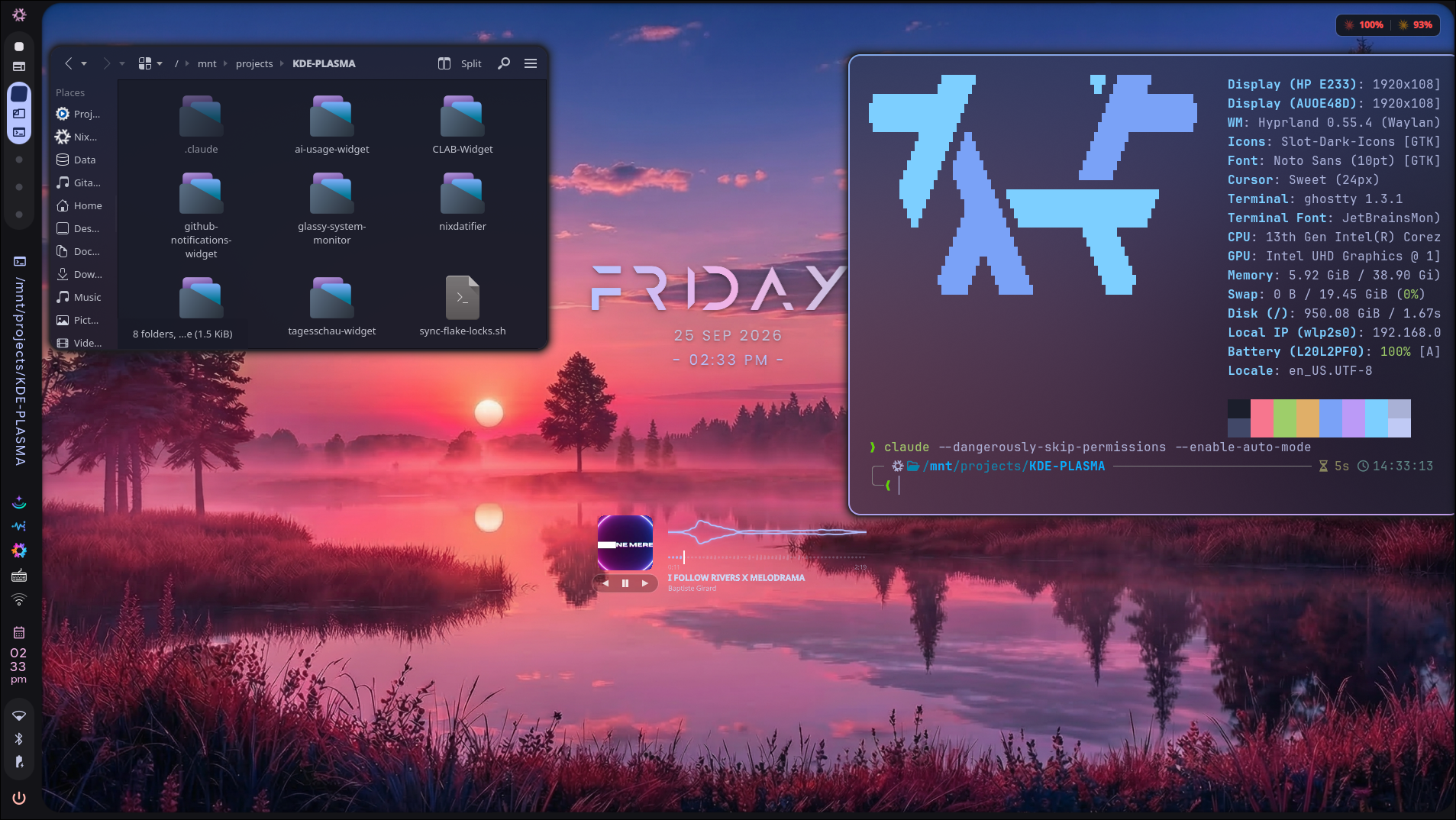
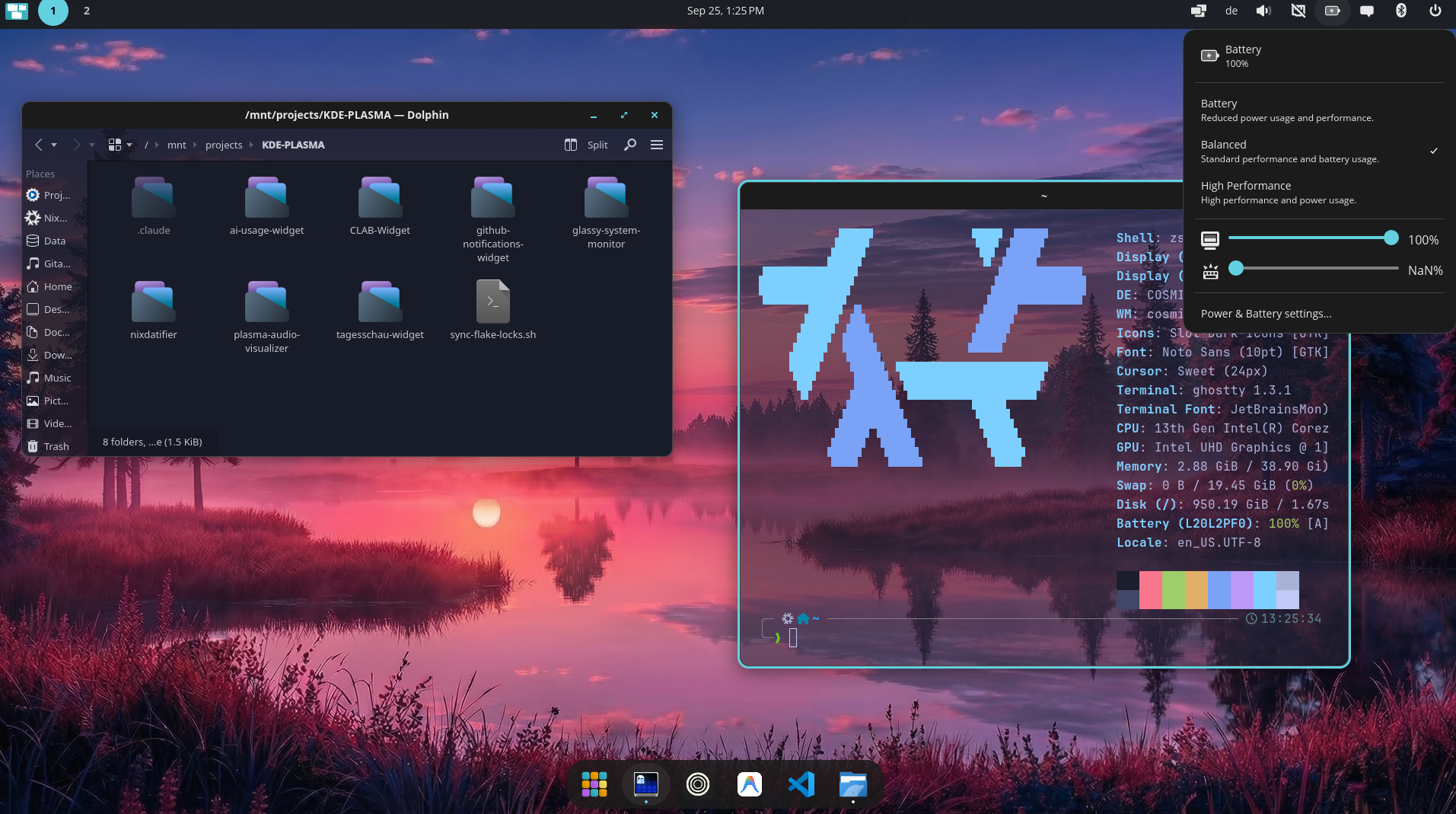
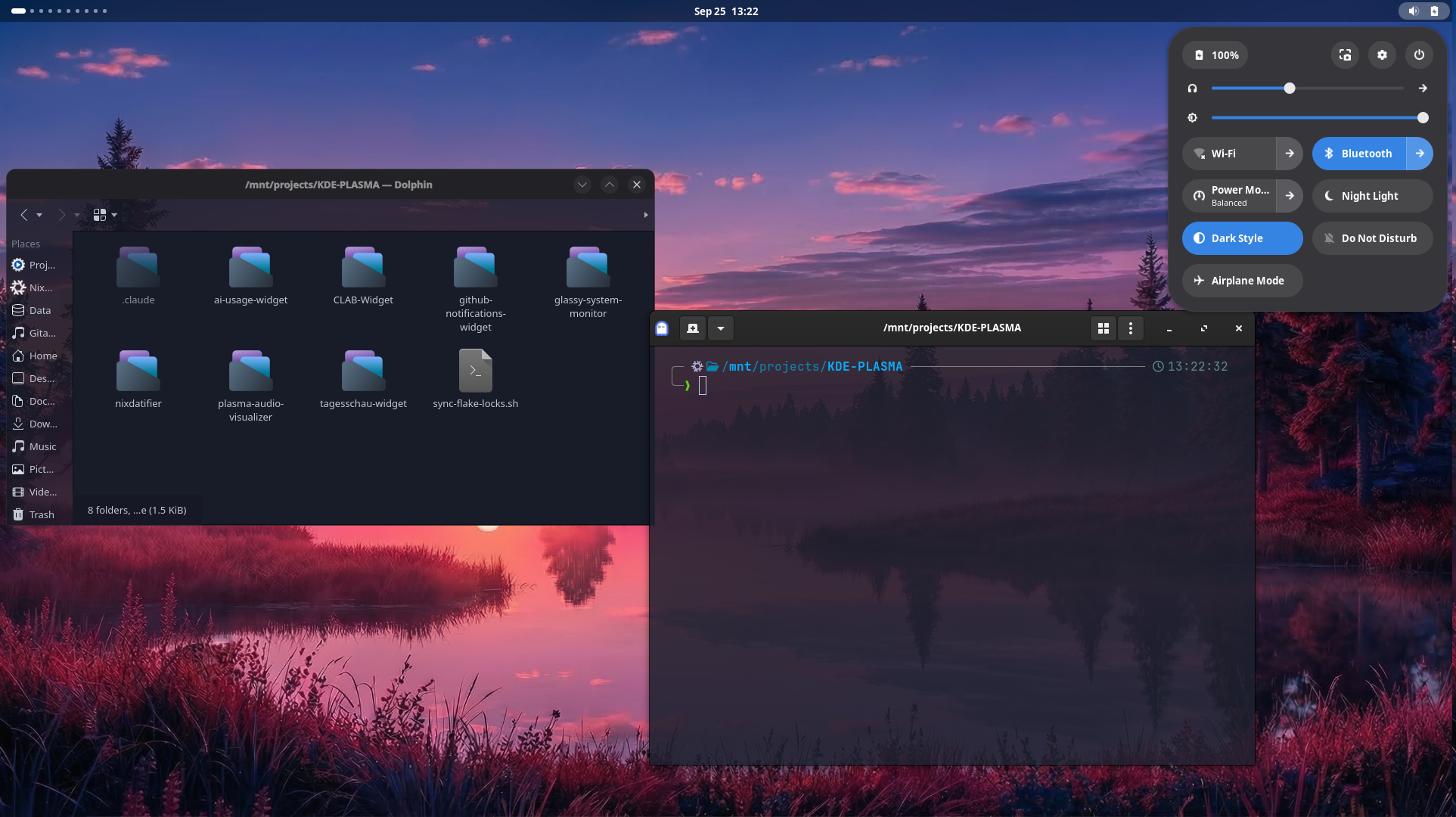
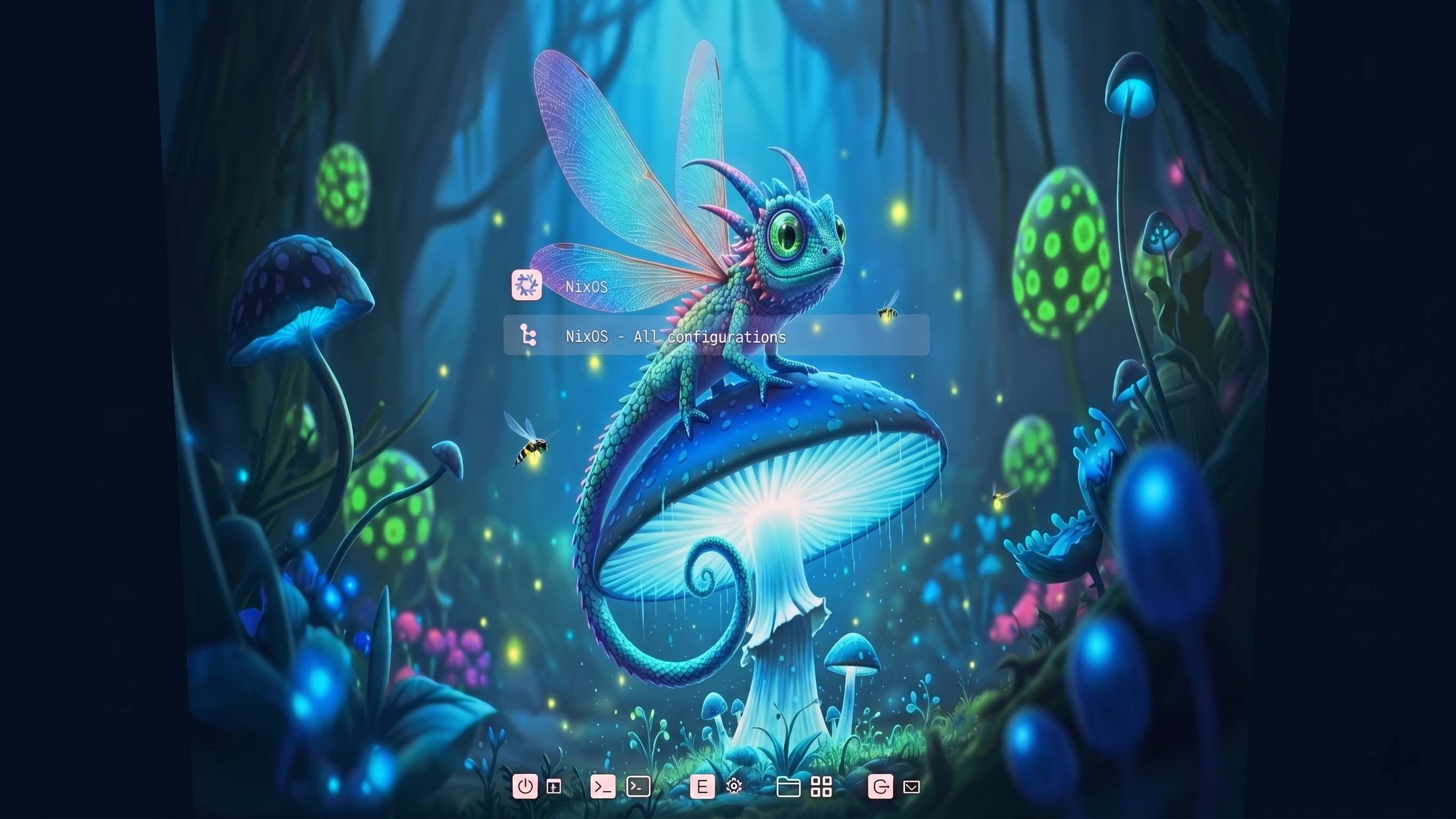
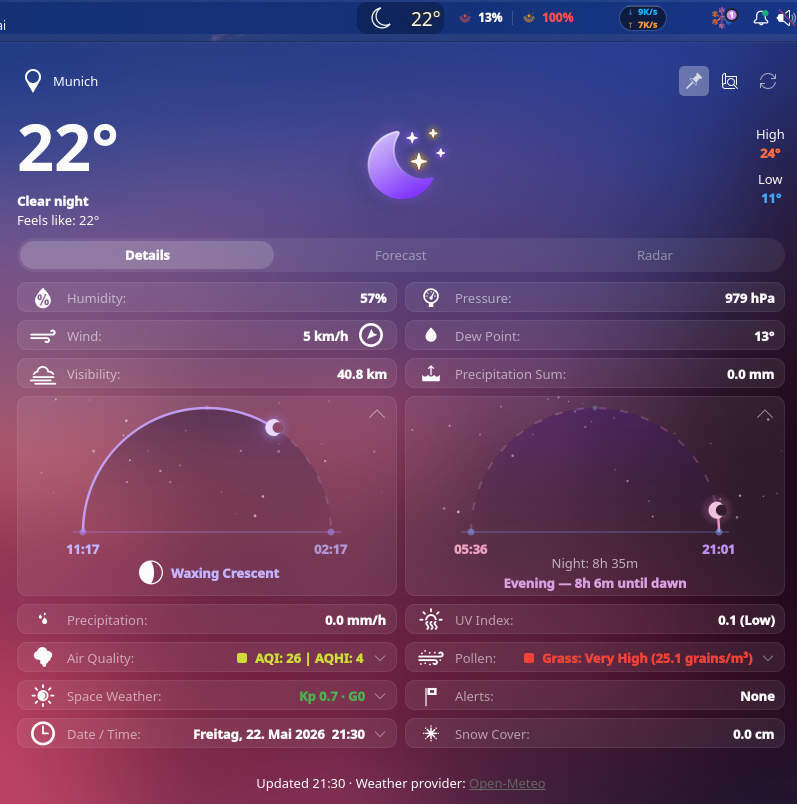
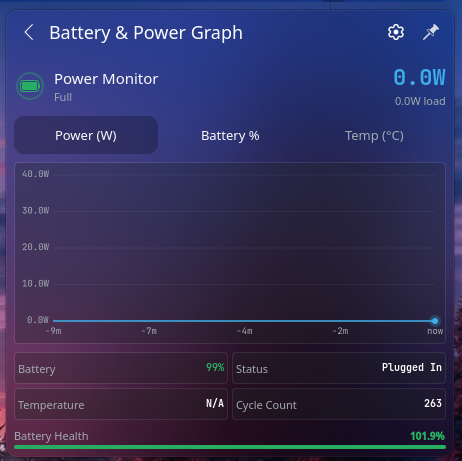
Hyprland, KDE Plasma 6, COSMIC and GNOME are all independently toggleable and switchable at the login screen, themed from the same source of truth. Screenshots below: the two in daily use.
A desktop that survives reinstalls, rebuilds clean, and wipes back to a known state on every boot.
Flakes + Home Manager pin every package, dotfile and service. Clone and rebuild — identical machine every time.
Root is wiped to a blank Btrfs snapshot on every boot. Only explicitly persisted paths survive.
Full-disk encryption, secrets managed with age — no plaintext credentials anywhere in the repo.
No hardware-configuration.nix committed. Any drive, dual-boot ready, one command.
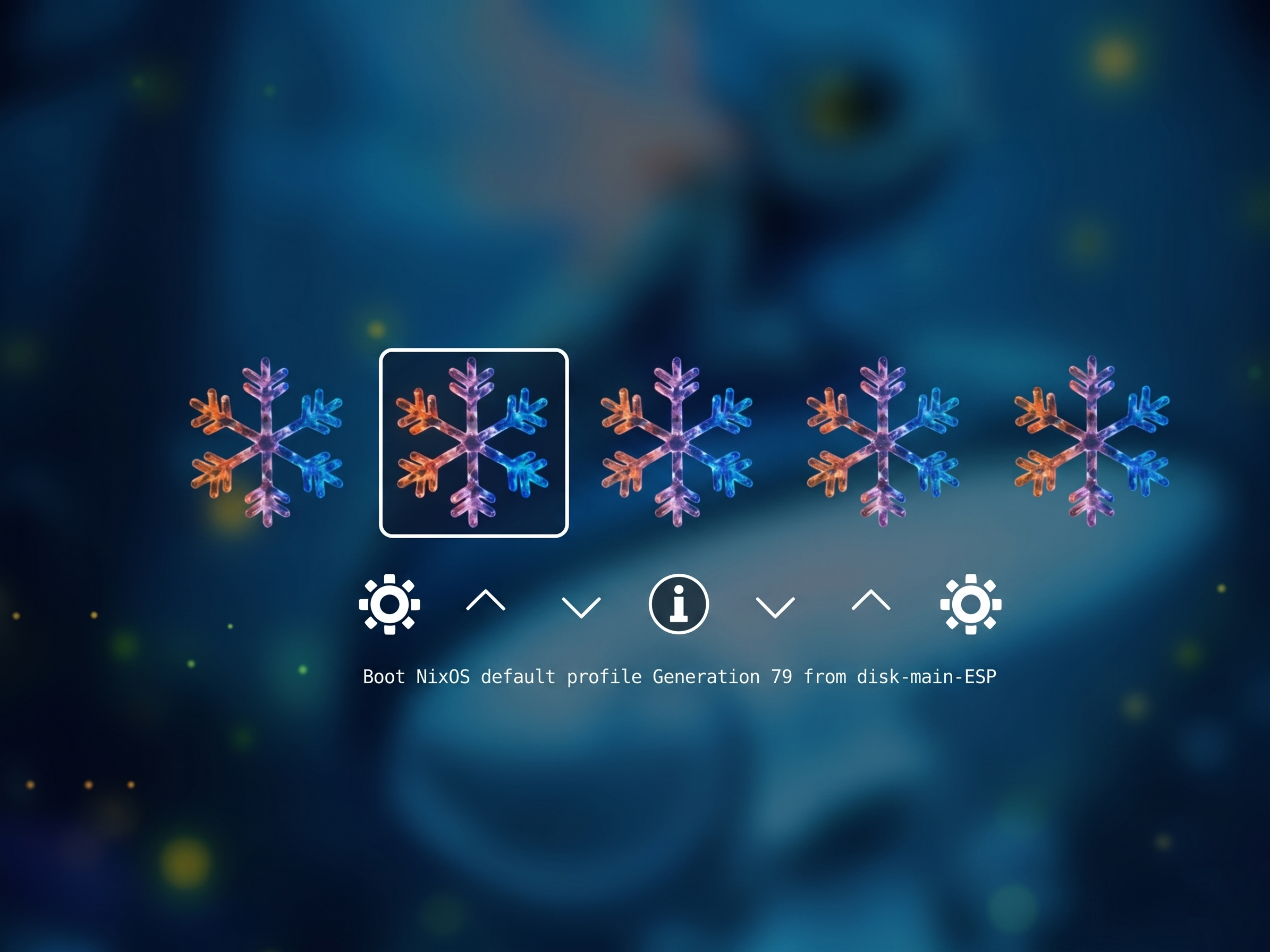
Four Plymouth animations (dotted, flower, icy, matrix) and themed GRUB2 + rEFInd bootloaders.
Steam + Gamemode + Gamescope + MangoHud declared in one flag. Proton works out of the box.
Automatic pre-rebuild snapshots via Snapper. Roll back any generation instantly without a reinstall.
GNOME Keyring wired up for Wayland — SSH agent, GPG agent and secret storage all unlocked at login.
Per-app outbound firewall with a GUI. Blocks telemetry and unwanted connections at the kernel level.

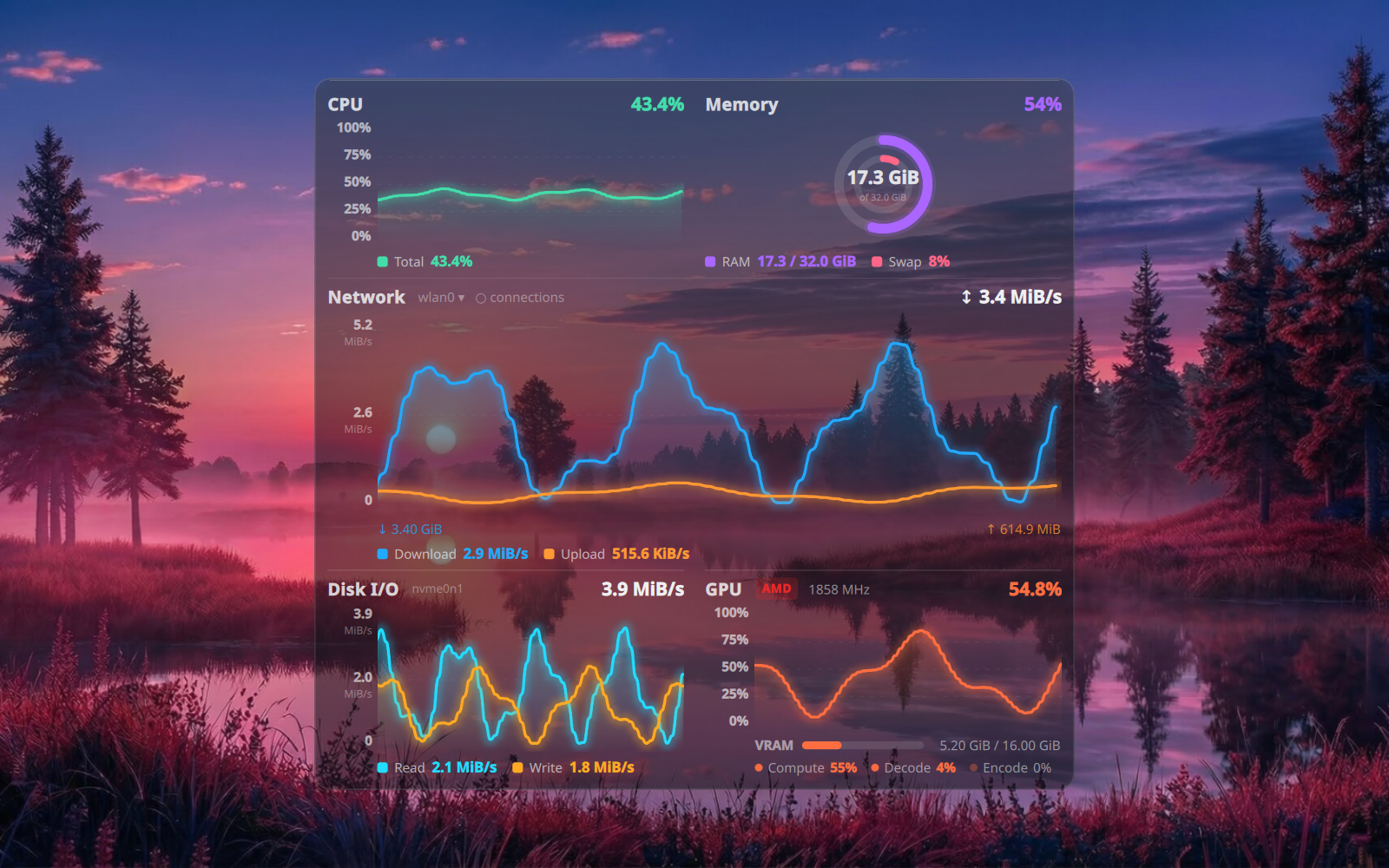
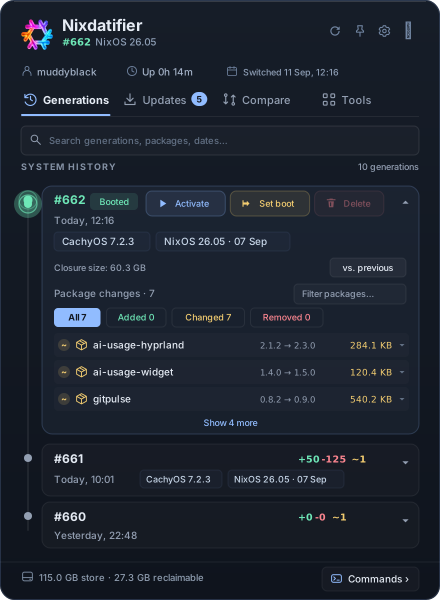
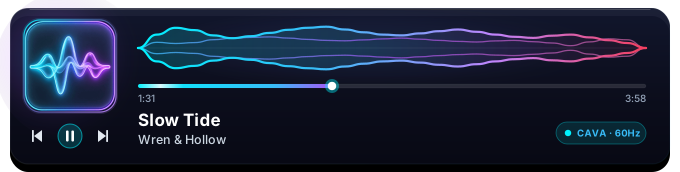
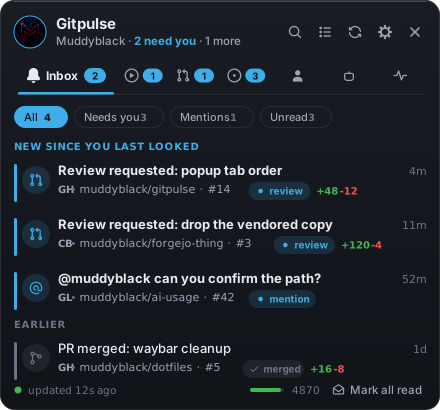
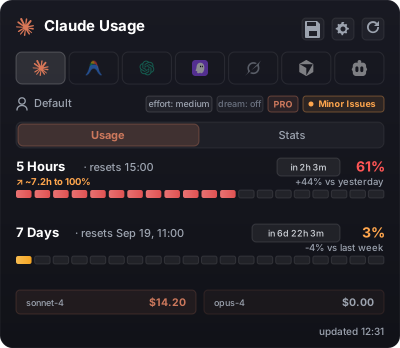
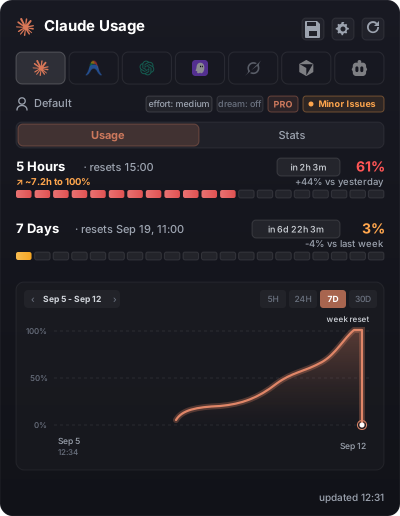
Each one lives in pkgs/widgets/ as its own Nix derivation. The demos below are live SVGs — several animate in-browser.
Toggle-able feature modules — flip one option and the whole service stack appears, declared and pinned.
Instant isolated environments with devnew <lang> — tab-completable, zero global pollution.
# drop into any language env instantly devnew rust # → nix develop ./dev-shells/rust — hermetic, no global installs
Four custom Plymouth themes driven by MP4 sources. Plays before you even unlock the disk.
Classic Unix tools transparently replaced with faster, prettier modern equivalents.
No machine-specific files to scrub. Spin it in a VM first, or deploy straight to hardware.
# clone git clone https://github.com/Muddyblack/NixOS.git && cd NixOS # review flags bash deploy.sh help # install — prompts for disk, dual-boot sizes, … bash deploy.sh install --device /dev/nvme0n1 # day-to-day rebuild (plays a sound on done 🔊) upnix